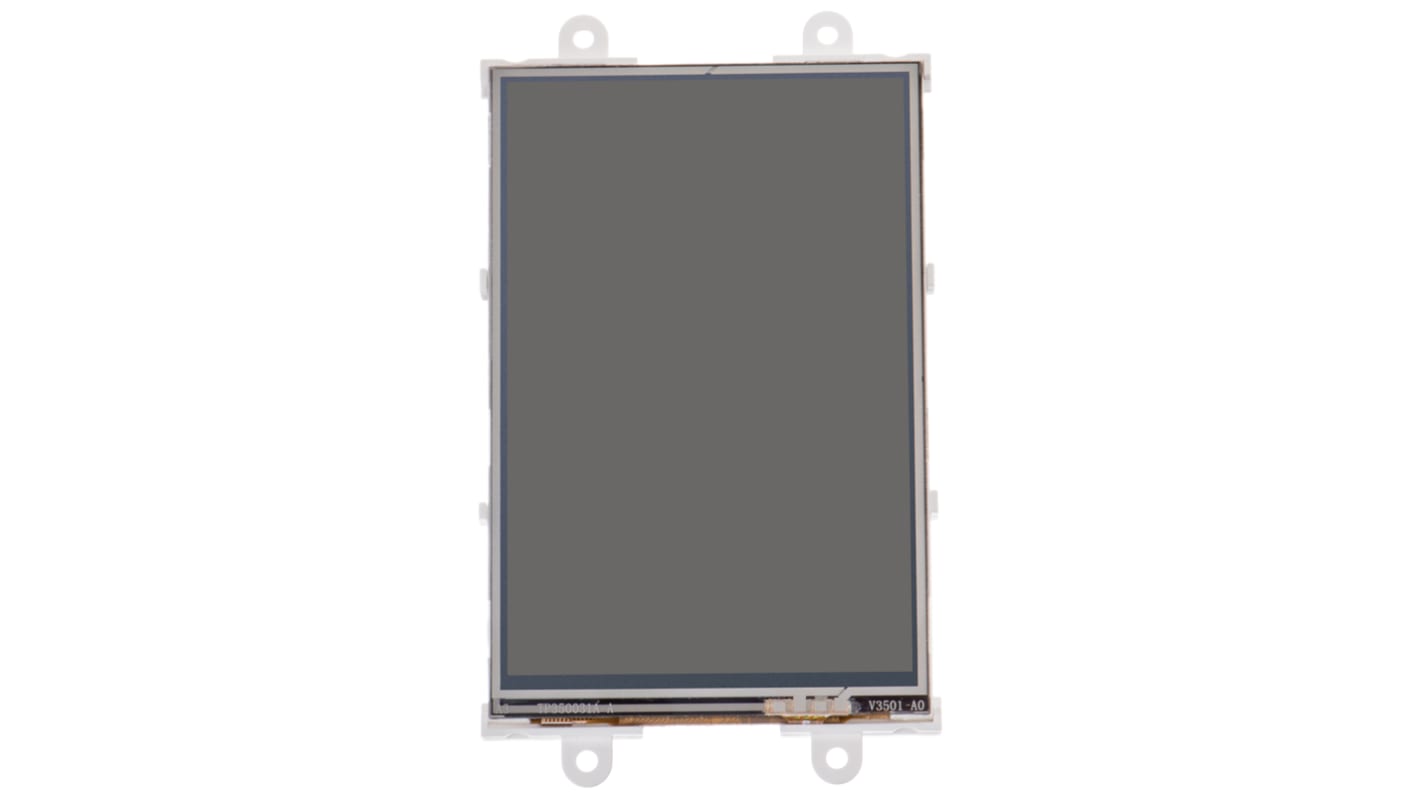
4D Systems Diablo16 3.5 in med Resistiv pekskärm
- RS-artikelnummer:
- 841-7829
- Tillv. art.nr:
- uLCD-35DT-PI
- Tillverkare / varumärke:
- 4D Systems

Antal (1 enhet)*
1 049,89 kr
(exkl. moms)
1 312,36 kr
(inkl. moms)
GRATIS leverans för online beställningar över 750,00 kr
Tillfälligt slut
- Leverans från den 29 juni 2026
Behöver du mer? Ange den kvantitet du behöver och klicka på "Kontrollera leveransdatum"
Enheter | Per enhet |
|---|---|
| 1 + | 1 049,89 kr |
*vägledande pris
- RS-artikelnummer:
- 841-7829
- Tillv. art.nr:
- uLCD-35DT-PI
- Tillverkare / varumärke:
- 4D Systems
Specifikationer
Datablad
Lagstiftning och ursprungsland
Produktdetaljer
Hitta liknande produkter genom att välja ett eller flera attribut.
Välj alla | Attribut | Värde |
|---|---|---|
| Varumärke | 4D Systems | |
| Skärmens diagonala mått | 3.5in | |
| Produkttyp | Raspberry Pi-skärm | |
| Displayteknik | Resistiv pekskärm | |
| Satsens namn | Diablo16 | |
| Standarder/godkännanden | RoHS | |
| Välj alla | ||
|---|---|---|
Varumärke 4D Systems | ||
Skärmens diagonala mått 3.5in | ||
Produkttyp Raspberry Pi-skärm | ||
Displayteknik Resistiv pekskärm | ||
Satsens namn Diablo16 | ||
Standarder/godkännanden RoHS | ||
LCD Displays for Raspberry Pi (DIABLO16 processor), 4D Systems
4D System's range of resistive touch LCD Displays for the Raspberry Pi come in 3 different sizes: 3.5 in (8417829), 4.3 in (8646869) and 7 in (8417831).
You can connect the Pi to program the LCD display for graphics, images, text, sound and logging data.
Key Features of the LCD Displays
•DIABLO-16 4DGL graphics controller
•4D Systems Workshop 4 IDE software
•Variety of serial commands
•Power supply comes directly from the Pi
How do I connect my Pi to the display?
Firstly, connect the 4D serial Pi adaptor to your Pi board. Finally, connect the 5-way jumper cable between the adaptor and the LCD display. It's that easy.
Contents
•LCD display
•4D serial Pi adaptor
•150 mm 5-way female-to-female jumper cable
•Quick start user guide
4D Systems LCD-pekskärmar
Note
For new designs the 4D Systems gen4 range of LCD displays should be considered, including:
• gen4-uLCD-43DT (RS part 1257947)
• gen4-uLCD-70DT (RS part 1257951)
• gen4-uLCD-43DT (RS part 1257947)
• gen4-uLCD-70DT (RS part 1257951)
Relaterade länkar
- 4D Systems Gen4 Diablo16 3.5 in Resistiv pekskärm Startpaket med DIABLO16
- 4D Systems Gen4 Diablo16 71.12 mm med Resistiv pekskärm
- 4D Systems Gen4 Diablo16 81.28 mm med Resistiv pekskärm
- 4D Systems Gen4 Diablo16 60.96 mm med Resistiv pekskärm
- 4D Systems Diablo16 startpaket 4.3 in med Resistiv pekskärm
- 4D Systems Gen4 Diablo16 4.3 in med Resistiv pekskärm
- 4D Systems 4.3 in med Resistiv pekskärm
- 4D Systems 7 in med Resistiv pekskärm