Schneider Electric Minneskort
- RS-artikelnummer:
- 147-657
- Distrelec artikelnummer:
- 303-08-214
- Tillv. art.nr:
- BMXRMS008MP
- Tillverkare / varumärke:
- Schneider Electric

Antal (1 enhet)*
838,27 kr
(exkl. moms)
1 047,84 kr
(inkl. moms)
GRATIS leverans för online beställningar över 500,00 kr
I lager
- Dessutom levereras 10 enhet(er) från den 23 mars 2026
- Dessutom levereras 2 enhet(er) från den 23 mars 2026
Behöver du mer? Ange den kvantitet du behöver och klicka på "Kontrollera leveransdatum"
Enheter | Per enhet |
|---|---|
| 1 + | 838,27 kr |
*vägledande pris
- RS-artikelnummer:
- 147-657
- Distrelec artikelnummer:
- 303-08-214
- Tillv. art.nr:
- BMXRMS008MP
- Tillverkare / varumärke:
- Schneider Electric
Specifikationer
Datablad
Lagstiftning och ursprungsland
Produktdetaljer
Hitta liknande produkter genom att välja ett eller flera attribut.
Välj alla | Attribut | Värde |
|---|---|---|
| Varumärke | Schneider Electric | |
| Produkttyp | Minneskort | |
| Standarder/godkännanden | No | |
| Serie | Modicon M340 | |
| Välj alla | ||
|---|---|---|
Varumärke Schneider Electric | ||
Produkttyp Minneskort | ||
Standarder/godkännanden No | ||
Serie Modicon M340 | ||
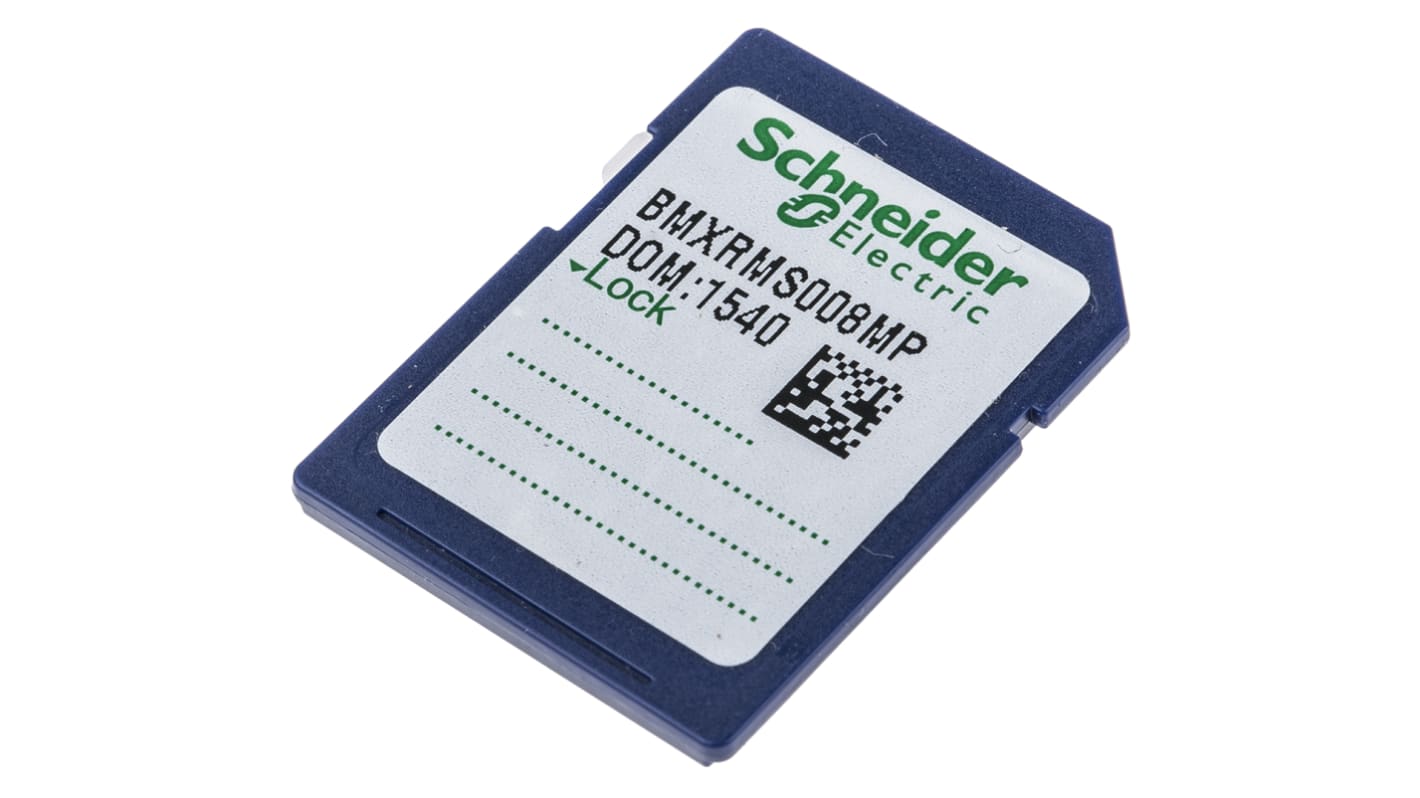
Schneider Electric Minneskort, för användning med Modicon M340 - BMXRMS008MP
Det här SD-flashminneskortet är särskilt utformat för M340-automationsplattformen och förbättrar prestandan hos M340-processorn avsevärt. Med en kapacitet på 8 MB är det ett pålitligt tillbehör för effektiv drift.
Funktioner & fördelar
• 8 MB minneskapacitet möjliggör effektiv datalagring
• Kompatibel med M340-processorer, inklusive BMXP341000 och BMXP342000
• Möjliggör snabb hämtning och bearbetning av data
• Integreras sömlöst med Modicon M340-systemet
• Lättviktsdesign förbättrar användbarheten
• Följer miljöbestämmelser för hållbarhet
Användningsområden
• Utökar minnet i automationsprojekt
• Viktigt för dataloggning och bearbetning
• Används i systemuppgraderingar för M340-styrenheter
• Förbättrar driftseffektiviteten inom industrin
• Stödjer feldiagnos och felsökning
Hur kan jag installera detta i min befintliga installation?
Sätt bara in kortet i den avsedda kortplatsen på M340-processorn för omedelbar användning.
Finns det något särskilt sätt att underhålla minneskortet?
Kontrollera regelbundet om det finns uppdateringar av den inbyggda programvaran och se till att kortet är fritt från damm och skador.
Vad ska jag göra om jag får problem med minneslagringen?
Kontrollera kompatibilitet och anslutning, och överväg att byta ut kortet om problemen kvarstår.
Relaterade länkar
- Schneider Electric Minneskort
- Schneider Electric Minneskort Minneskort, För Servo Drive
- Schneider Electric Minneskort Minneskort för användning med HMI HMIGTO1300
- Schneider Electric Minneskort Minneskort Lexium 32i
- Schneider Electric VW3E Minneskort Minneskort för användning med LMC Pro2 Controller
- Schneider Electric VW3E Minneskort Minneskort för användning med LMC Eco Controller
- Schneider Electric Minneskort Minneskort för användning med HMI Harmony GTU Premium låda
- Schneider Electric Minneskort Minneskort för användning med HMI Harmony GTU Öppen låda